
WhatsApp Desktop
WhatsApp Desktop is the official WhatsApp app for Windows, letting you chat and call from your PC with the account on your phone.
339.2 MB
2.2637.100.0 · WhatsApp LLC · Page updated
WhatsApp Desktop Beta is the test version of WhatsApp's Windows app, where new features appear before they reach the regular desktop release.
Average 0.0 · ratings: 0
Thank you! Your rating is saved; you can change it. Could not save the rating. Please try again later. Too many ratings from your network today. Please try again tomorrow. The average appears after 5 ratings.
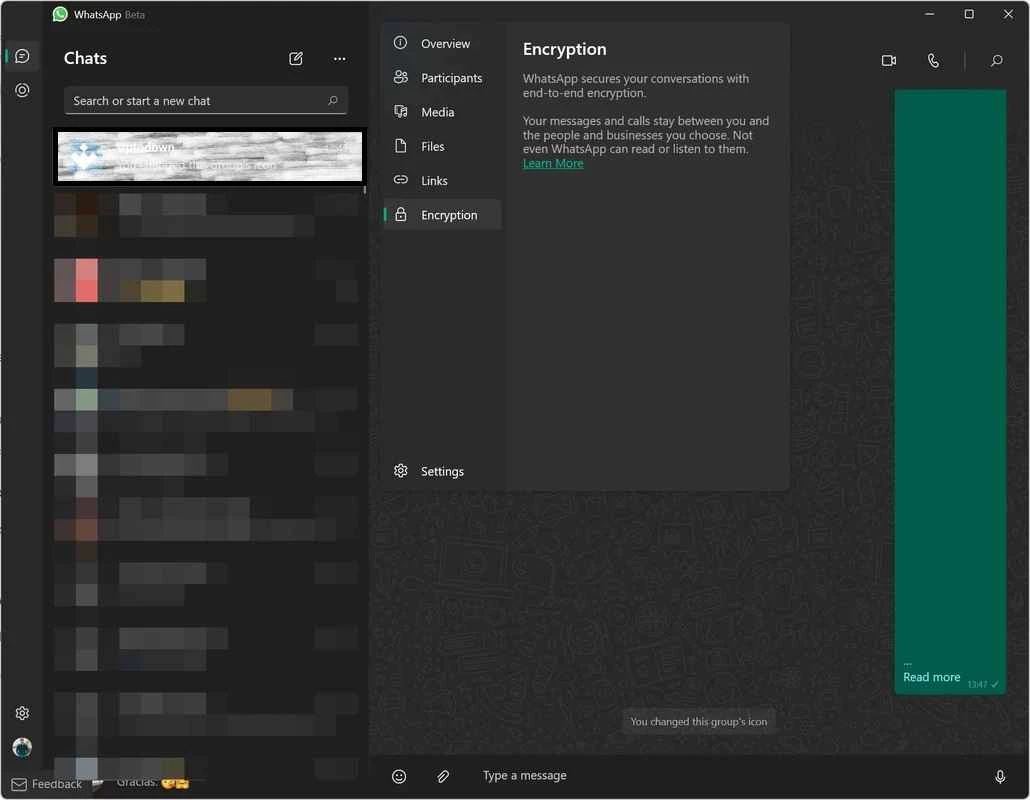
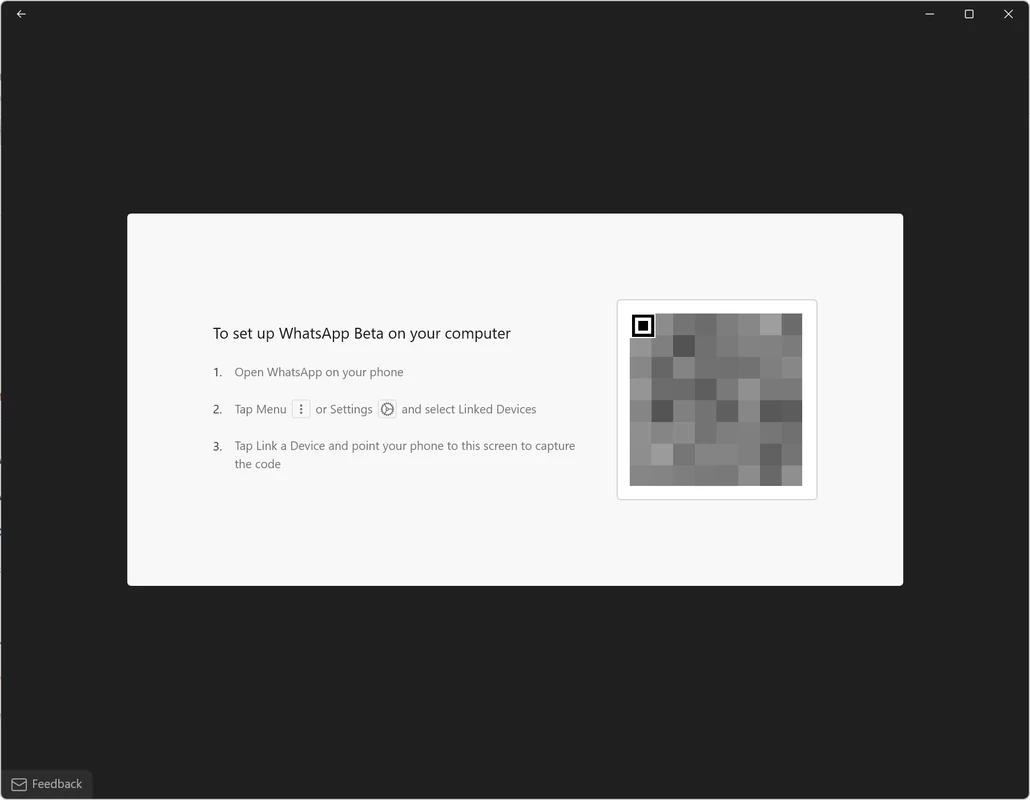
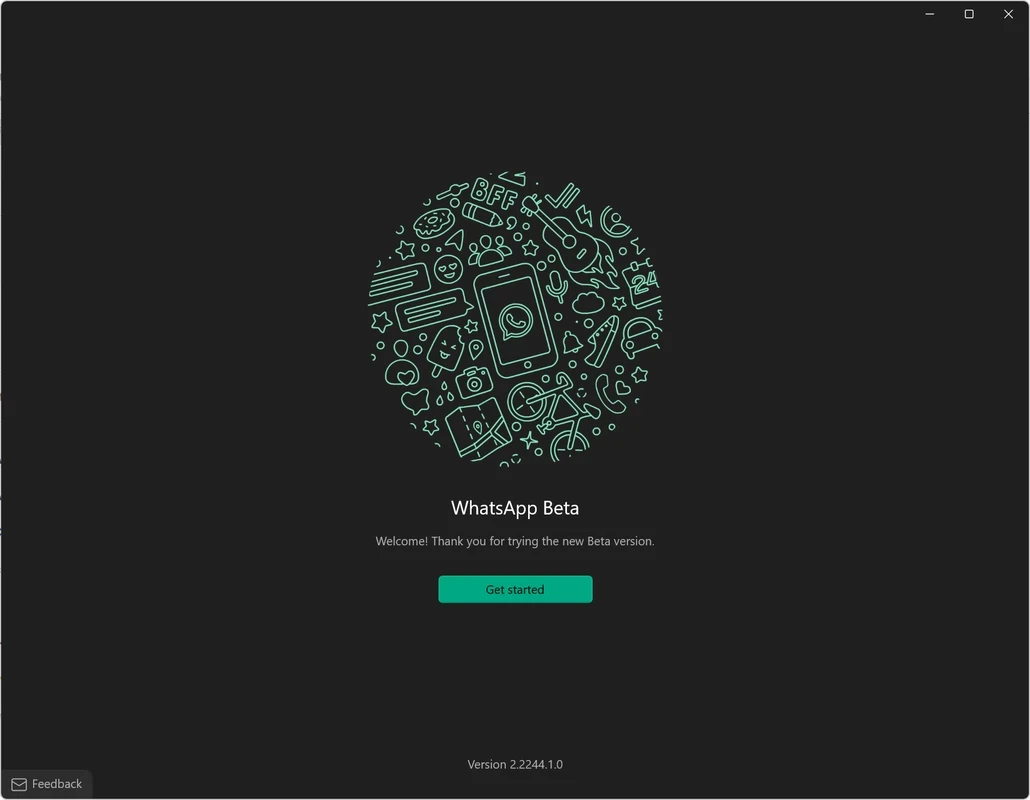
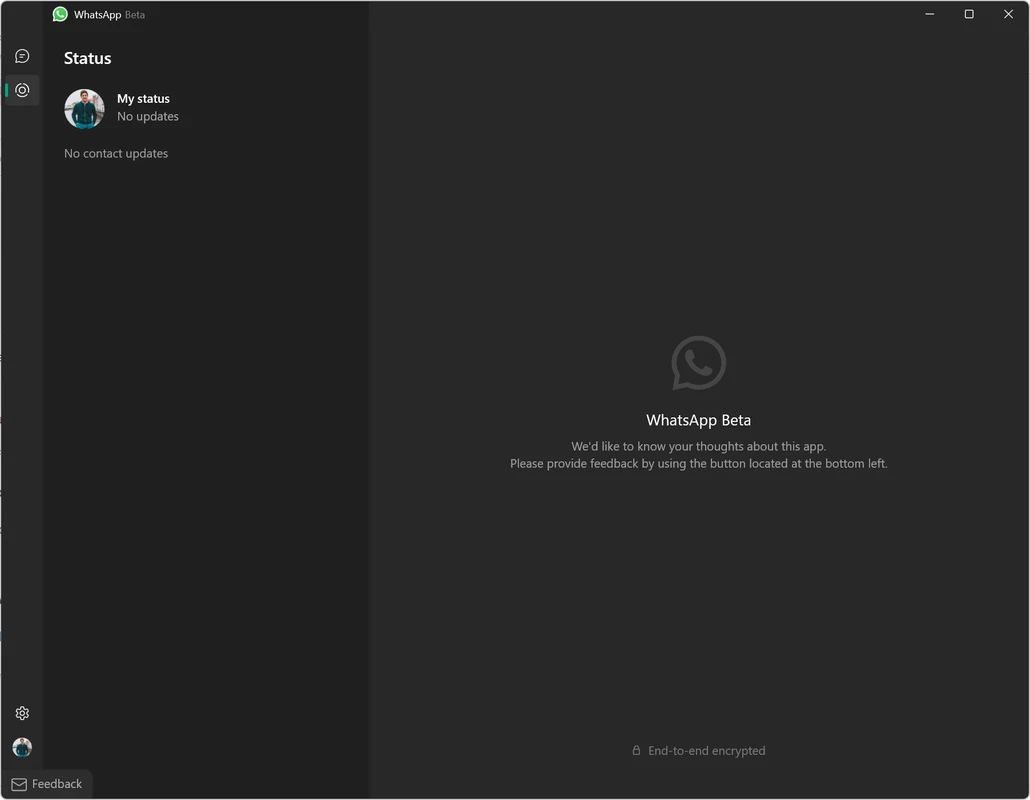
WhatsApp Desktop Beta 2.2637.100.0 is the test version of the WhatsApp app for Windows from WhatsApp LLC, part of Meta Platforms. It gives early access to features that are still being tried out, before they reach the regular WhatsApp Desktop. The beta is free, and you can download WhatsApp Desktop Beta for Windows from the Microsoft Store.
Both apps connect to the same WhatsApp account and show the same chats. The beta simply receives new builds earlier. Features that WhatsApp is testing, changes to the layout or new settings often appear there first. The price for early access is stability: a beta build can crash, show glitches or change from one update to the next. If you rely on WhatsApp for work, the stable version is the safer choice; the beta suits people who like to see what is coming and are happy to report problems.
According to WhatsApp's desktop download page, the Windows app is supported on Windows 10.1 64-bit 1903 or later. A Mac version exists for macOS 11 or later.
The installation is about 297.39 MB according to catalogue data.
The phone is needed to link the desktop app to your account. After that, WhatsApp's multi-device support lets the desktop app keep working even when the phone is not nearby, though the phone should go online from time to time so the link stays active.
They are separate Store listings, so check after installing whether both run side by side on your PC. Either way, they use the same account, so there is little reason to keep both.
The beta comes from WhatsApp itself through the Microsoft Store. Avoid "WhatsApp for PC" installers from other websites and unofficial modified clients, which can put your account at risk. Messages remain end-to-end encrypted in the beta just as in the stable app.
Uninstall the beta and install WhatsApp from the official download page or the Store. Your chats stay in your account, and the new app syncs them again after you link it.
For a stable experience, our listings include WhatsApp Desktop and WhatsApp Web. Telegram Desktop, Signal and Viber are other messengers with Windows apps.
WhatsApp Desktop is the official WhatsApp app for Windows, letting you chat and call from your PC with the account on your phone.

Microsoft Teams is Microsoft's collaboration and video-conferencing app for chat, meetings, calls and shared files at work, school or home.

Zoom Meeting is the desktop client of Zoom's video-conferencing service for calls, webinars, screen sharing and chat on Windows.
Camo Studio is Reincubate's desktop app that turns an iPhone, iPad or Android phone into a high-quality webcam for a Windows PC or Mac.

Google Meet is Google's video meeting app. On Windows it runs from the browser and can be installed as an app, with no separate installer to download.

Facebook for Windows is the desktop app of Meta's social network, with the news feed, groups, pages and notifications in a separate window.

Telegram Desktop is the official Windows client of the Telegram messenger, with chats, groups, channels and file sharing synced from the cloud.

Telegram Web is the browser version of the Telegram messenger: open it on a Windows PC, log in with your phone and chat without installing anything.